Support
Need Help Building Charts?
We know using a new tool or technology can be daunting at times, but we are here to help! We have an extensive collection of resources, from FAQs and demos to directly talking to one of our team members. We're here to help guide you through your chart creation journey.
Your Resources

Chat With Us: Talk directly to a support engineer
Our support engineers are ready to answer your questions, whether it be about how to create a chart in X framework, style a chart, or whatever business questions you might have.
We also provide premium support for our paying customers. Inquire to find out more.
Let's Chat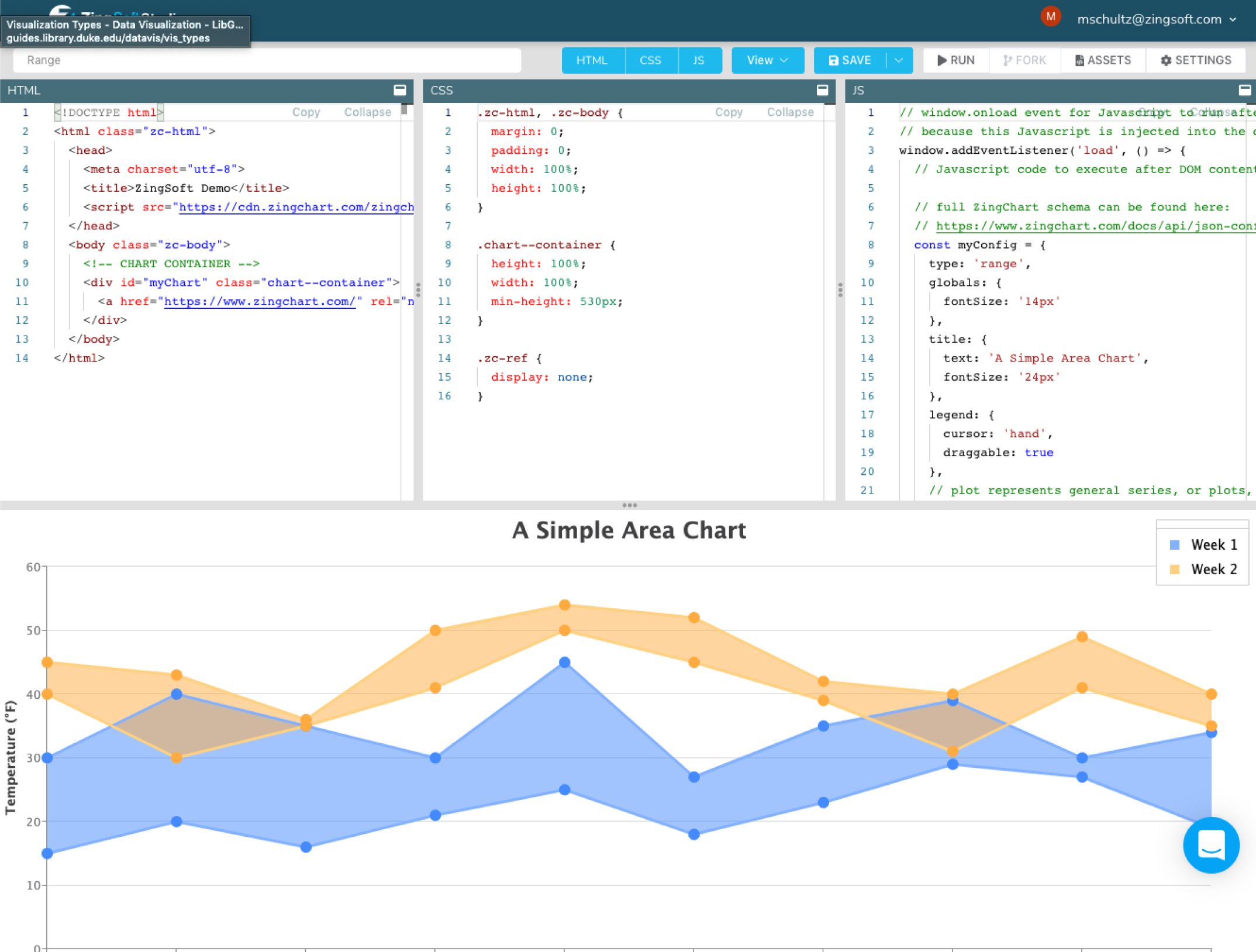
ZingSoft Studio: The fastest way to build a chart
Creating an account in our studio gives you access to one-click solutions and example charts you can modify to your needs or use as a guide to build your own chart from scratch!
The studio allows you to:
- Create charts from examples
- Send demos as support requests for faster responses (The support team will appreciate it as well!)
- Manage subscriptions and licenses
Self Service

Frequently Asked Questions: We might already have your answer!
We have curated a list of our most frequently asked questions. Check there first to see if it answers your question.
Check out our FAQ
GitHub: Library, demos, and wrappers, oh my!
Our GitHub account contains our main library and production-ready wrappers for popular frameworks like React and Angular.
ZingChart on GitHub
Examples Repository: Popular examples of frameworks
We have a separate GitHub repository containing examples of client-side and server-side frameworks that will get you started on your next project.
Examples Repository